
November 14, 2025
Introduction
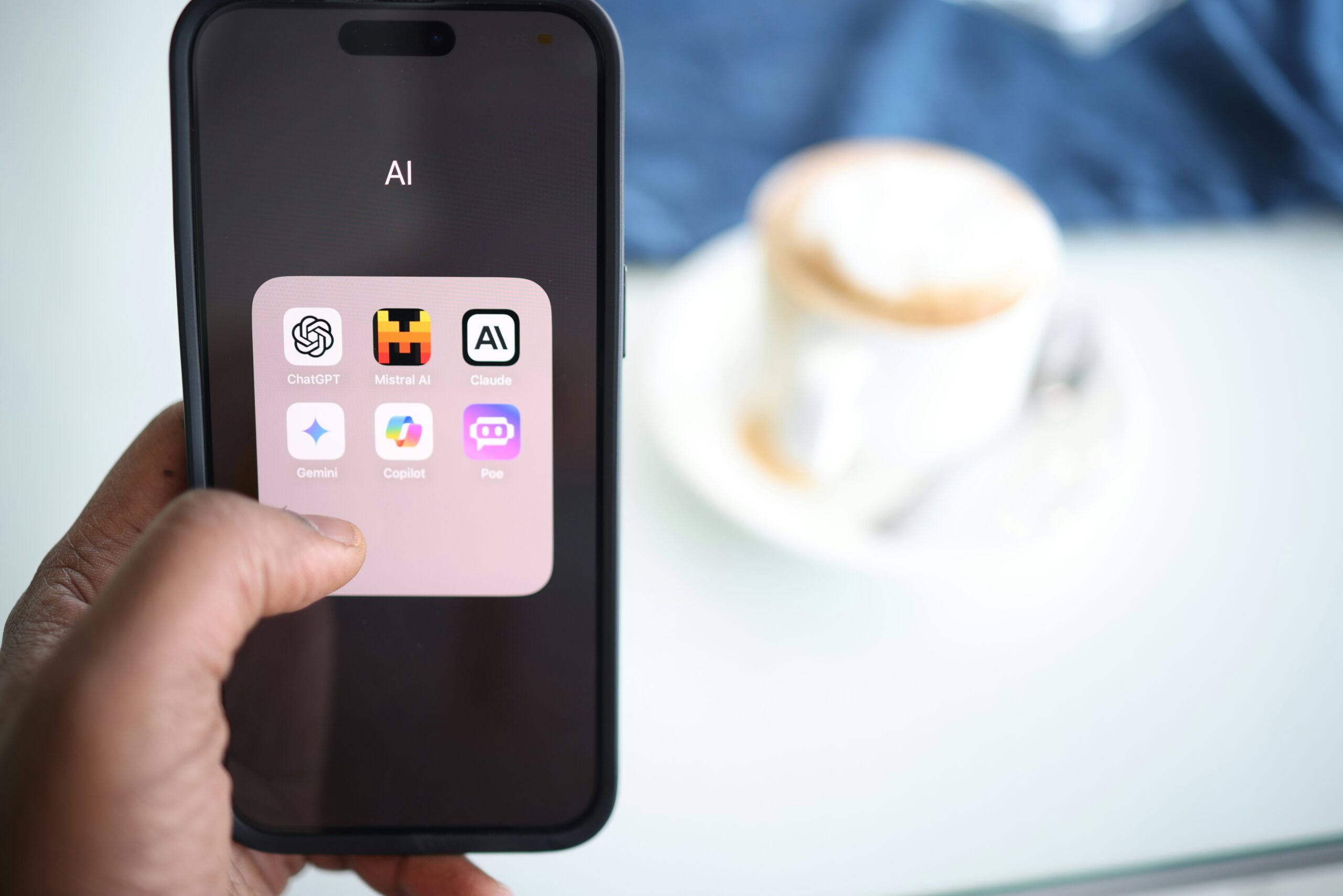
Freelancing in 2025 is more competitive than ever, and staying ahead means working smarter, not harder. Luckily, Artificial Intelligence (AI) can take your productivity to the next level. From automating repetitive tasks to generating content in seconds, AI tools are transforming the way freelancers work.
In this guide, we’ll explore 5 AI tools every freelancer should start using today. Whether you’re a writer, designer, marketer, or developer, these tools will help you save time, improve quality, and increase earnings.
1. ChatGPT – Your AI Writing Assistant
Overview: ChatGPT, powered by OpenAI, is one of the most versatile AI tools available. It can help you write blog posts, emails, social media captions, and even code snippets.
How Freelancers Can Use It:
- Generate content ideas instantly
- Draft emails and proposals
- Automate repetitive writing tasks
- Improve grammar and clarity
Why It’s Essential: Freelancers often spend hours writing content. ChatGPT reduces this time drastically, allowing you to focus on higher-value tasks.
2. Canva AI – Design Made Easy
Overview: Canva’s AI-powered features help freelancers create stunning graphics without advanced design skills.
How Freelancers Can Use It:
- Design social media posts and marketing materials
- Generate AI-based images and templates
- Quickly resize and adapt designs for multiple platforms
Why It’s Essential: Time is money for freelancers. Canva AI helps you deliver professional designs faster, keeping clients happy and increasing your project volume.
3. Grammarly – AI Writing Coach
Overview: Grammarly goes beyond spellcheck. Its AI analyzes tone, clarity, and engagement to make your writing professional.
How Freelancers Can Use It:
- Proofread client emails, proposals, and content
- Adjust tone for different audiences
- Improve readability and SEO friendliness
Why It’s Essential: Mistakes cost credibility. Grammarly ensures your work is polished, professional, and client-ready.
4. Ocoya – AI Social Media Scheduler
Overview: Ocoya combines AI content generation with social media scheduling.
How Freelancers Can Use It:
- Automatically generate captions and hashtags
- Schedule posts across multiple platforms
- Track engagement and analytics
Why It’s Essential: Social media management is time-consuming. Ocoya allows freelancers to manage multiple accounts efficiently while keeping content consistent.
5. Pictory – AI Video Creation Tool
Overview: Pictory uses AI to convert scripts or articles into professional videos.
How Freelancers Can Use It:
- Create marketing videos for clients
- Generate video content for social media quickly
- Add AI voiceovers and captions automatically
Why It’s Essential: Video content is in high demand. Pictory lets freelancers create professional videos without hiring a full production team.
Conclusion
Freelancers in 2025 need to embrace AI to stay competitive. Tools like ChatGPT, Canva AI, Grammarly, Ocoya, and Pictory can save time, boost productivity, and increase earnings.
Start using these tools today, and watch your freelance business grow smarter and faster.
Pro Tip: Combine multiple AI tools for maximum efficiency. For example, generate content ideas in ChatGPT, write drafts with Grammarly, and create visual content with Canva AI.
Call-to-Action (CTA)
- Share this post with fellow freelancers who want to save time with AI
- Comment below which AI tool you use most in your workflow