
November 14, 2025
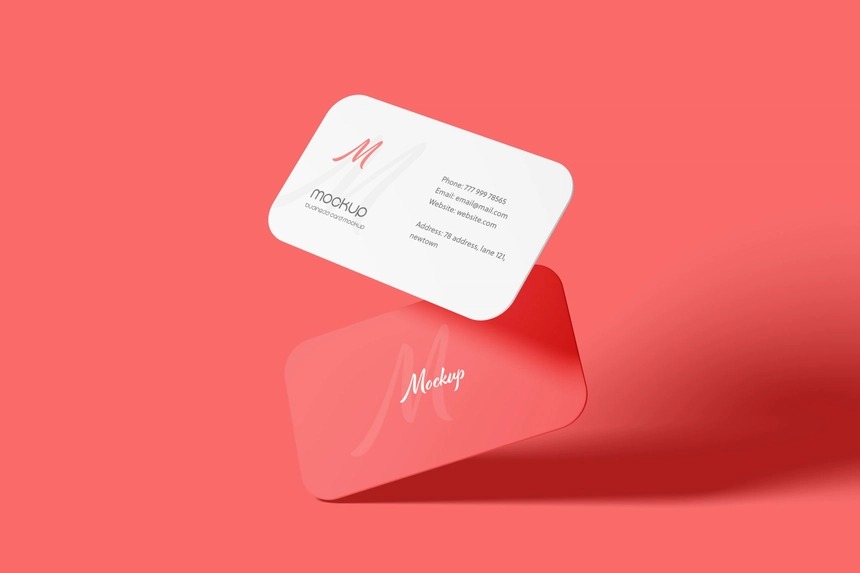
A business card is one of the most essential tools for branding and networking. But before you print hundreds of copies, it’s smart to visualize your design in a realistic way. That’s where a business card mockup PSD becomes invaluable.
With this free resource, you can showcase your logo, fonts, and brand identity on professional card layouts — perfect for clients, portfolios, and marketing materials.
Why Use Business Card Mockups?
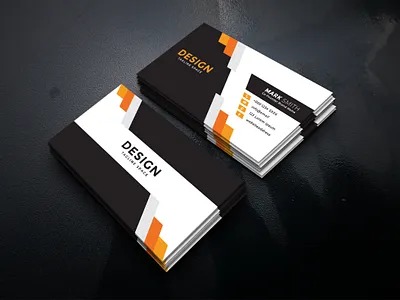
- Professional Presentation: Impress clients with a real-world preview of your design.
- Save Costs: Avoid test printing until you’re sure.
- Customizable PSDs: Change backgrounds, shadows, and card textures.
- Boost Portfolios: Stand out on Behance, Dribbble, and freelance platforms.
Features of These Free Business Card Mockup PSDs
- High-resolution PSD files for crisp detail.
- Editable Smart Objects for quick design insertion.
- Front & Back Views included.
- Realistic Shadows & Lighting for a polished look.
- Free for personal & commercial use.
How to Use This Mockup
- Download the free PSD file.
- Open in Photoshop or Photopea (free online).
- Double-click the Smart Object layer.
- Insert your business card design.
- Save — and your design is ready to showcase!
Free Download Link 🎁
Tips for Stunning Business Card Designs
- Keep it minimal: Too much text looks cluttered.
- Use bold fonts: Ensure readability at small sizes.
- Choose premium paper textures: Matte, gloss, or kraft backgrounds make your design pop.
- Stick to brand colors: Consistency builds trust.
Final Thoughts
Business cards are still one of the strongest branding tools in 2025. With these free business card mockup PSDs, you can present your designs professionally, attract more clients, and build a strong portfolio.