
September 16, 2025
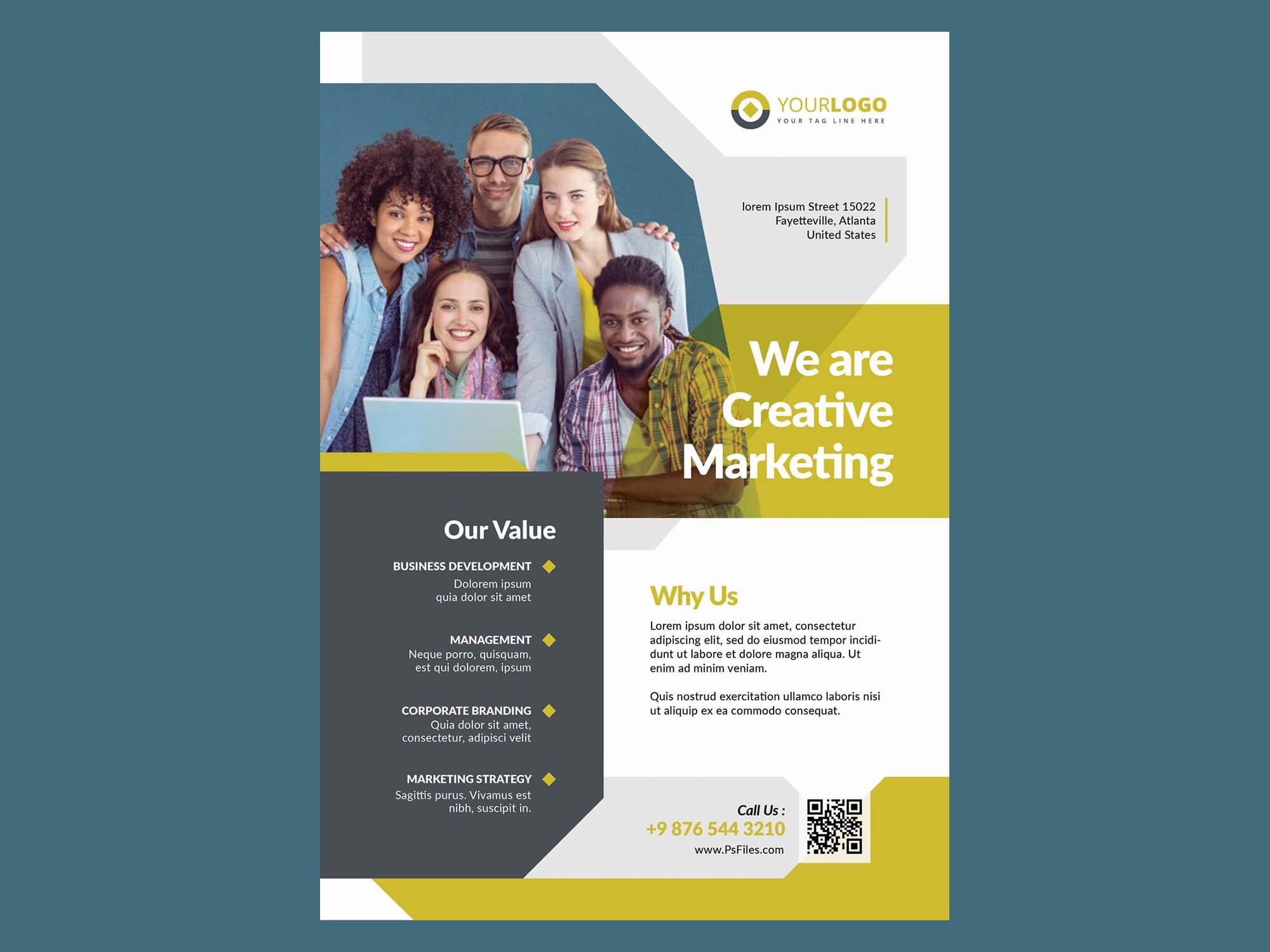
Flyers and posters remain some of the most effective tools for marketing, events, and promotions. But before you print or share your design, you need to present it professionally. That’s where a flyer and poster mockup comes in.
This free resource helps you showcase your designs in a realistic setting, making them look print-ready and polished.
Why Use Flyer & Poster Mockups?
- Professional Presentation: Impress clients with a real-world preview.
- Save Time: Skip printing test copies.
- Customizable: Edit colors, lighting, and background easily.
- Versatile Use: Perfect for event promotions, social media, portfolios, and client presentations.
Features of This Free Flyer & Poster Mockup
- High-Resolution PSD File for sharp details.
- Editable Smart Objects for easy design placement.
- Multiple Layouts for portrait and landscape posters.
- Realistic Shadows & Lighting for a natural look.
- Free for Personal & Commercial Use.
How to Use This Flyer & Poster Mockup
- Download the PSD file below.
- Open it in Photoshop (or a compatible editor).
- Double-click the Smart Object layer.
- Replace with your flyer or poster design.
- Save and see your design transform instantly!
Free Download Link 🎁
Pro Tips for Best Results
- Use bold fonts and strong colors for eye-catching posters.
- Keep text minimal to improve readability from a distance.
- Test your design with different backgrounds (brick wall, clean white, outdoor scenes).
- Create multiple versions for social media previews and client portfolios.
Final Thoughts
A flyer and poster mockup is one of the best ways to present and promote your designs. With this free resource, you can save time, impress clients, and upgrade your portfolio without extra costs.
👉 Want more? Explore our free mockups, fonts, and templates to level up your design projects in 2025.