
May 11, 2025
WordPress website creation can be incredibly rewarding and surprisingly simple when you follow the right steps. Whether you’re launching a blog, business website, or online store, this beginner-friendly guide will walk you through the entire process—from choosing a domain to driving traffic and making money.
What is WordPress?
WordPress is a free, open-source content management system (CMS) used to build and manage websites. It comes in two versions:
- WordPress.com – Hosted for you but with limited flexibility.
- WordPress.org – Self-hosted with complete control. This guide focuses on WordPress.org.
Step 1: Choose and Buy Your Domain Name
Your domain name is your website’s address (like yourwebsite.com). Choose something short, memorable, and brand-friendly.
Recommended domain registrars:
- Namecheap
- GoDaddy
- Porkbun
- Domains.co.za (great for .co.za domains)
How to register a domain on Namecheap:
- Visit Namecheap.com
- Search your domain name
- Add to cart and checkout
Step 2: Choose a Hosting Provider
A host stores your website’s files. As a beginner, go with shared hosting for affordability and ease.
Top hosting providers:
After signup, your host will provide nameservers to connect your domain.
Step 3: Install WordPress
Most hosts offer a one-click install.
Steps:
- Log into your hosting dashboard
- Find Softaculous or the WordPress Installer
- Set your site name, admin username, and password
- Click install
Step 4: Configure Basic Settings
Login to your WordPress dashboard at yourdomain.com/wp-admin
- Go to Settings > General: Set site title, tagline, and timezone
- Go to Settings > Permalinks: Choose “Post name”
Step 5: Install Essential Plugins
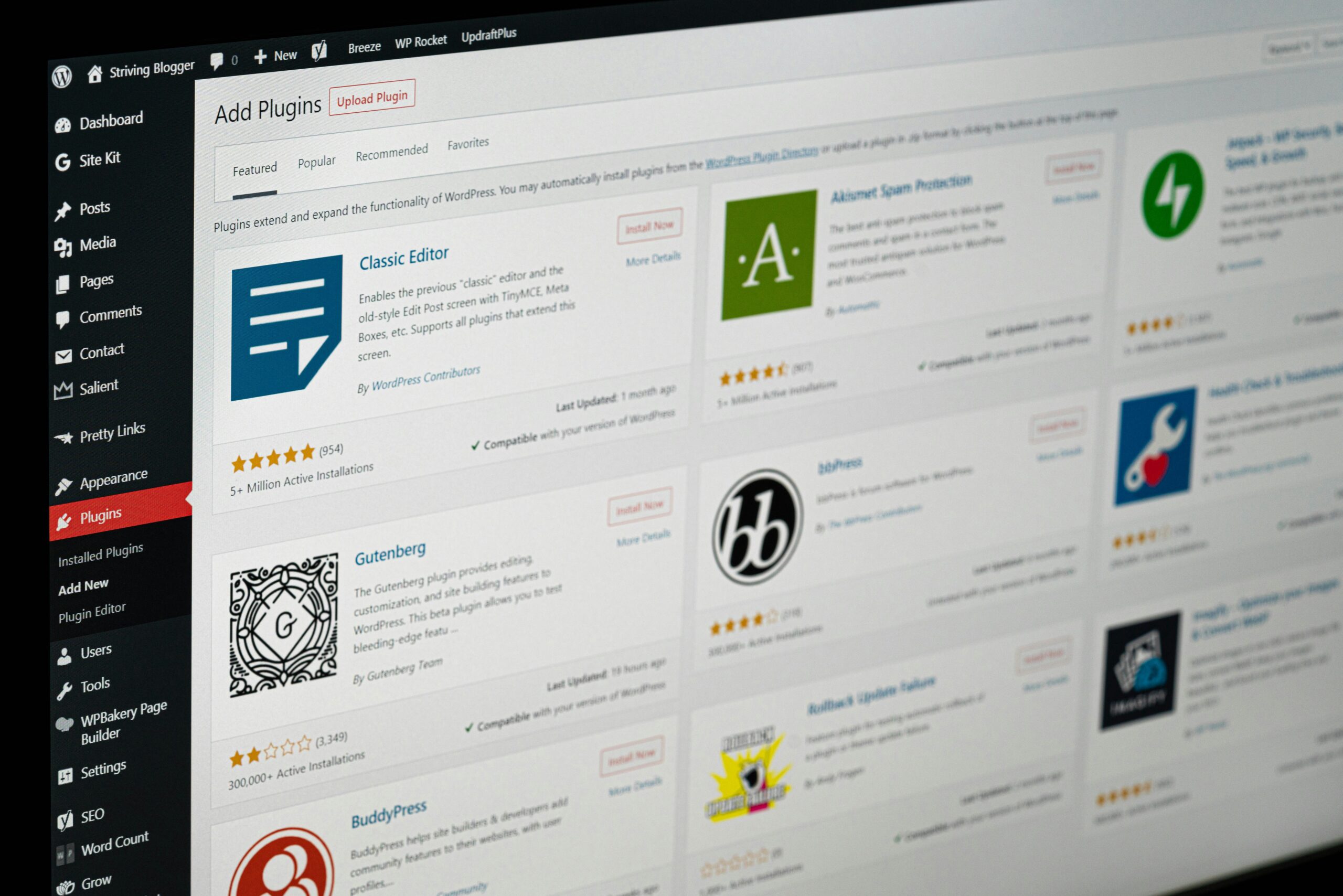
Plugins add powerful functionality to your site. Go to Plugins > Add New and install:
- Elementor – Drag-and-drop page builder
- Rank Math or Yoast SEO – SEO optimization
- WPForms – Contact forms
- LiteSpeed Cache – Speed optimization
- UpdraftPlus – Backups
- Wordfence – Security
Step 6: Design Your Website
Choose a Theme
Go to Appearance > Themes > Add New.
Recommended free themes:
Create Key Pages
Use Pages > Add New to create:
- Home
- About
- Services/Products
- Contact (use WPForms)
- Blog
Customize
Go to Appearance > Customize to adjust branding, colors, logos, and menus.
Step 7: Set Up Google & Bing Webmaster Tools
Google Search Console
- Click “Start Now”
- Add a property (use Domain or URL prefix)
- Verify ownership using DNS or HTML tag
- Submit your sitemap:
yourdomain.com/sitemap.xml
Bing Webmaster Tools
- Sign in and add your website
- Verify ownership
- Submit your sitemap
Step 8: Install Google Analytics
- Go to Google Analytics
- Create a GA4 property
- Install the MonsterInsights plugin to connect Analytics easily
Use GTmetrix and PageSpeed Insights to monitor performance.
Step 9: Drive Traffic to Your Website
Organic Strategies
- Write SEO-optimized blog posts regularly
- Share content on Facebook, Instagram, LinkedIn, and X
- Guest post on related blogs
- Submit to online directories (e.g., Yelp, Bark, Google Business)
Paid Options (Optional)
Retain Visitors
- Use Mailchimp or MailerLite for email marketing
- Offer freebies like ebooks, guides, or checklists as lead magnets
Step 10: Maintain and Secure Your Site
- Backup weekly with UpdraftPlus
- Regularly update plugins, themes, and WordPress core
- Run security scans using Wordfence
Bonus: Make Money with Your Website
- Google AdSense – Display ads to earn money
- Affiliate marketing – Promote products and earn a commission
- WooCommerce – Sell products/services directly on your website
By following this WordPress website creation guide, even total beginners can confidently launch and grow a professional online presence. Bookmark this blog and start your WordPress journey today!
One thought on “How to Create a WordPress Website: Beginner’s Guide (2025 Edition)”