
September 15, 2025
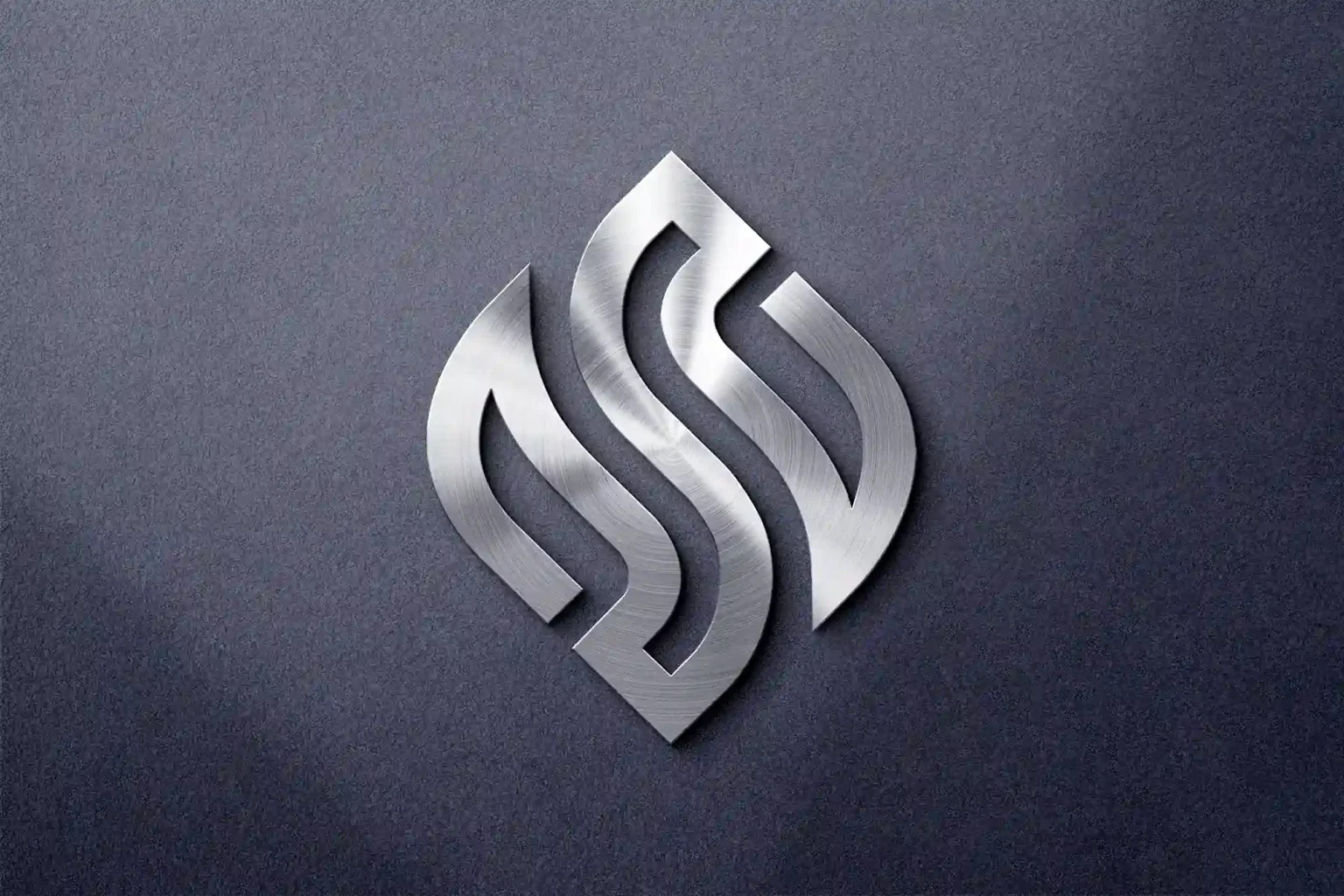
This blog introduces a high-quality free 3D metal logo mockup you can download today, perfect for presentations, client proposals, portfolios, or advertising.
A professional logo presentation can make all the difference in branding. If you’re looking to showcase your logo in style, a 3D metal logo mockup adds realism, depth, and a premium feel.
Why Use 3D Metal Logo Mockups?
- Professional Presentation: Gives clients a realistic view of your design.
- High Impact: Eye-catching reflections and textures make logos pop.
- Versatile Use: Works in advertising, websites, portfolios, and social media.
- Time-Saving: No need to build complex 3D renders from scratch.
Features of This Free 3D Metal Logo Mockup
- High Resolution: Perfect for print and digital use.
- Editable PSD File: Easily place your logo using smart objects.
- Realistic Metal Texture: Chrome, steel, and brushed metal effects.
- Compatible: Works with Photoshop and other PSD-compatible editors.
- Free for Personal & Commercial Use: No hidden fees.
How to Use the 3D Metal Logo Mockup
- Download the PSD file from the link below.
- Open in Photoshop (or compatible software).
- Double-click the Smart Object layer.
- Place your logo in the Smart Object file.
- Save and preview your logo in 3D metal style.
Tip: Adjust reflections, shadows, and background for a unique look that matches your brand.
Free Download Link 🎁
Pro Tips for Logo Mockups
- Use high-resolution logos for best results.
- Combine with bold typography for posters or advertising campaigns.
- Create multiple variations (gold, silver, chrome) to impress clients.
- Share on your portfolio website or social media for a premium showcase.