
November 7, 2025
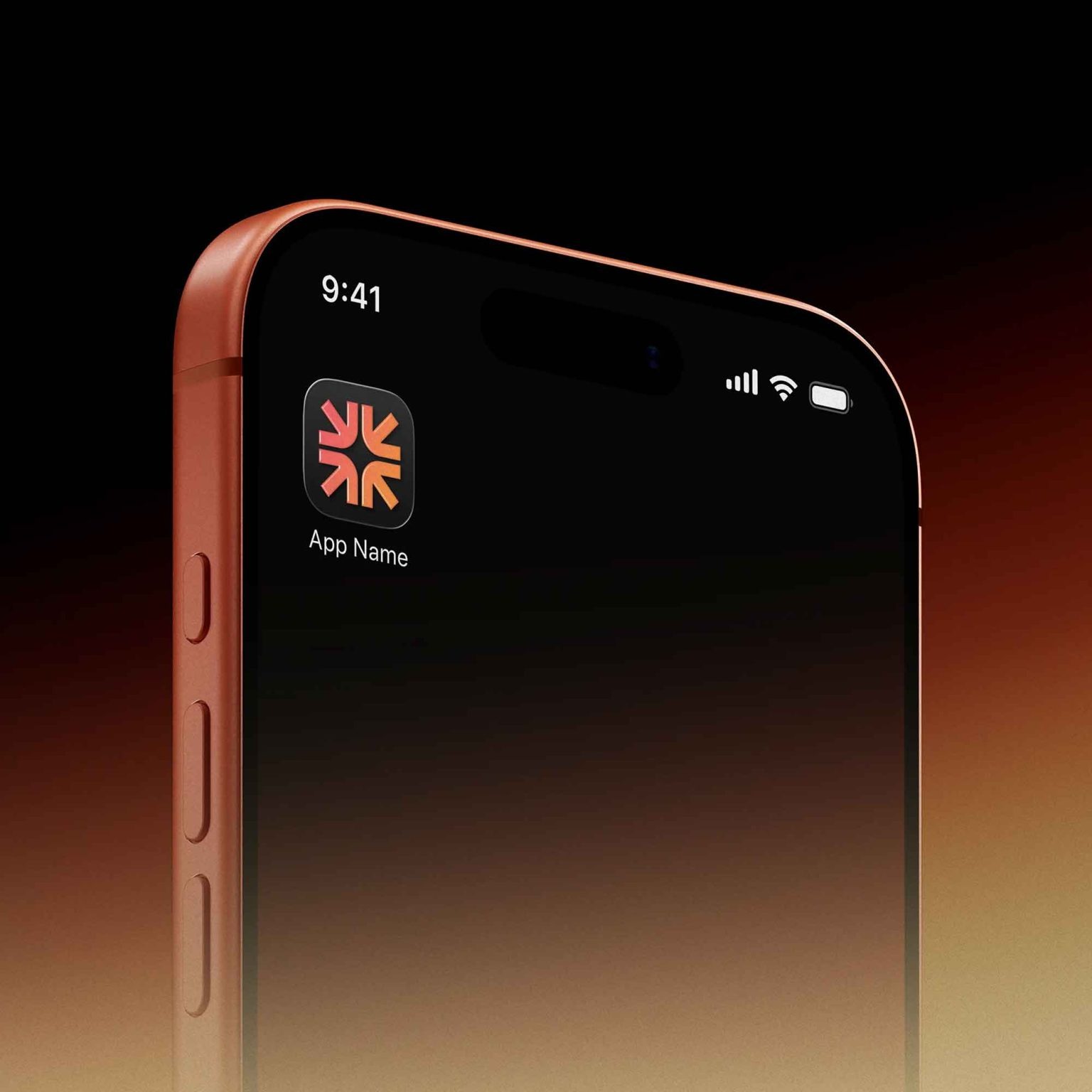
When you’ve spent hours crafting the perfect app icon, you deserve to show it off in a professional, realistic way. That’s where this iOS App Icon on iPhone Mockup comes in — a sleek, high-quality PSD that lets you display your app icon directly on an iPhone screen with natural lighting and depth.
Whether you’re designing for iOS 17, iOS 18, or testing new app layouts, this free mockup will make your design presentation look pixel-perfect and client-ready.
📱 Why Use an iOS App Icon Mockup?
An app icon isn’t just a square graphic — it’s your app’s first impression. Here’s why using a mockup is essential:
- Real-World Preview: See how your icon looks on an actual iPhone screen.
- Client Presentation: Impress clients or investors with high-quality visuals.
- App Store Showcase: Create marketing visuals or portfolio shots for your app launch.
- A/B Testing: Compare multiple icon concepts before deciding which to publish.
✨ Features of This Free iPhone Mockup
- High-Resolution PSD (4000×3000 px)
- Smart Object Layer: Quickly insert your app icon with one click.
- Photorealistic iPhone Display
- Editable Background and Shadows
- Free for Personal & Commercial Use
⚙️ How to Use This Mockup
- Download the PSD mockup (link below).
- Open it in Adobe Photoshop or Photopea (a free online editor).
- Find the Smart Object layer labeled Your Icon Here.
- Replace it with your app icon design.
- Save and export your image — your app now appears perfectly on an iPhone screen.
🎁 Free Download Link
👉 Download Free iOS App Icon on iPhone Mockup PSD
🧠 Pro Design Tips for App Icons
- Keep It Simple: The best app icons use minimal shapes and colors.
- Test in Light & Dark Mode: Make sure it’s visible in both themes.
- Match iOS Style: Stick to Apple’s Human Interface Guidelines (HIG) for consistent results.
- Use Gradients Carefully: They add depth but can distract if overdone.
- Preview at Small Sizes: App icons appear tiny on screens — clarity is key.
🔍 Perfect For
- App developers & UI designers
- Branding presentations
- App Store listing previews
- Portfolio showcases
- Social media design displays
💡 Bonus Tip
If you’re building your portfolio, use multiple mockups (iPhone, iPad, MacBook) to create a cross-platform visual story. It adds depth to your project and shows adaptability across devices.
✅ Final Thoughts
This Free iOS App Icon on iPhone Mockup is a must-have for any app designer or developer in 2025. It gives your icon the professional spotlight it deserves — clean, realistic, and Apple-perfect.
👉 Explore more of our free mockups, UI kits, and app design resources to take your digital product presentations to the next level.